Free & Pro
AI object detection
Boxes and labels bring supported road objects into focus, directly over the camera image.
Explore this feature ↗AYNIcam
Compare AYNIcam Live Detection, Virtual View, Parking, Segmentation, 3D Maps and local dashcam clips. Find the right view for your iPhone drive.
Free & Pro
Boxes and labels bring supported road objects into focus, directly over the camera image.
Explore this feature ↗Free & Pro
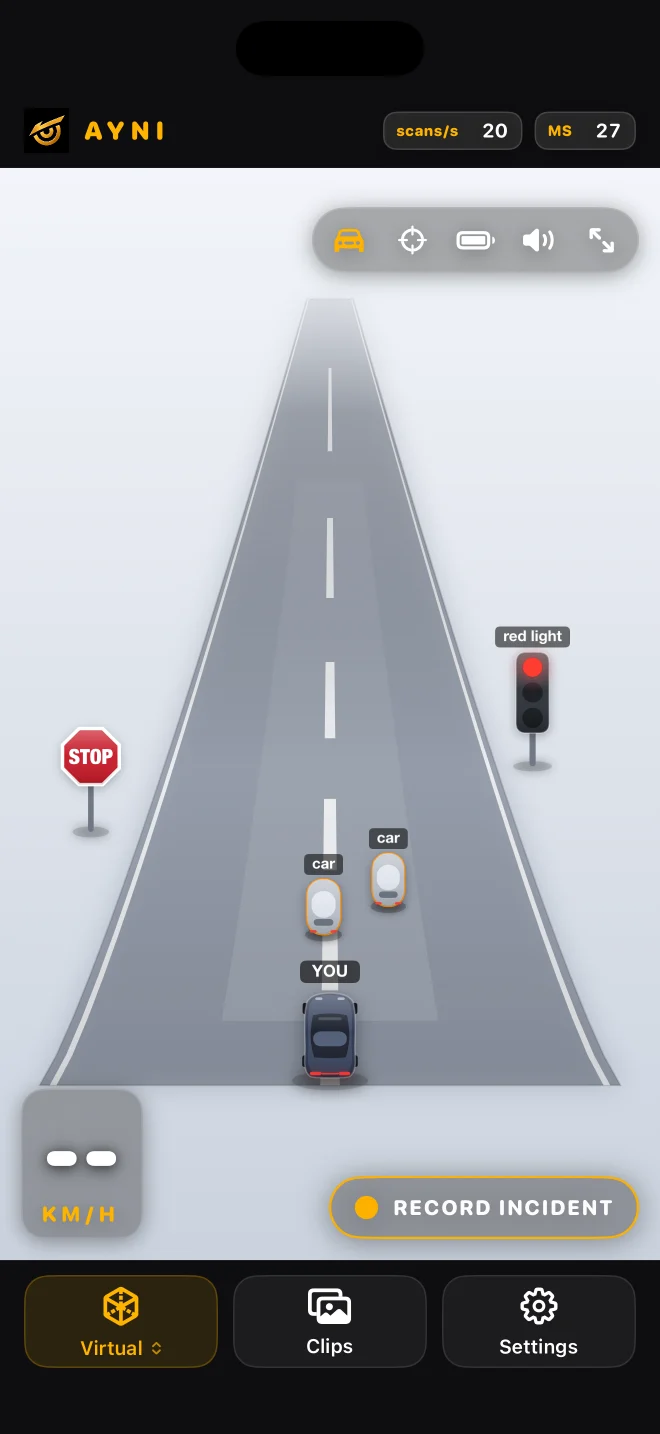
A 2.5D scene turns supported detections into readable object representations with less visual clutter.
Explore this feature ↗Free & Pro
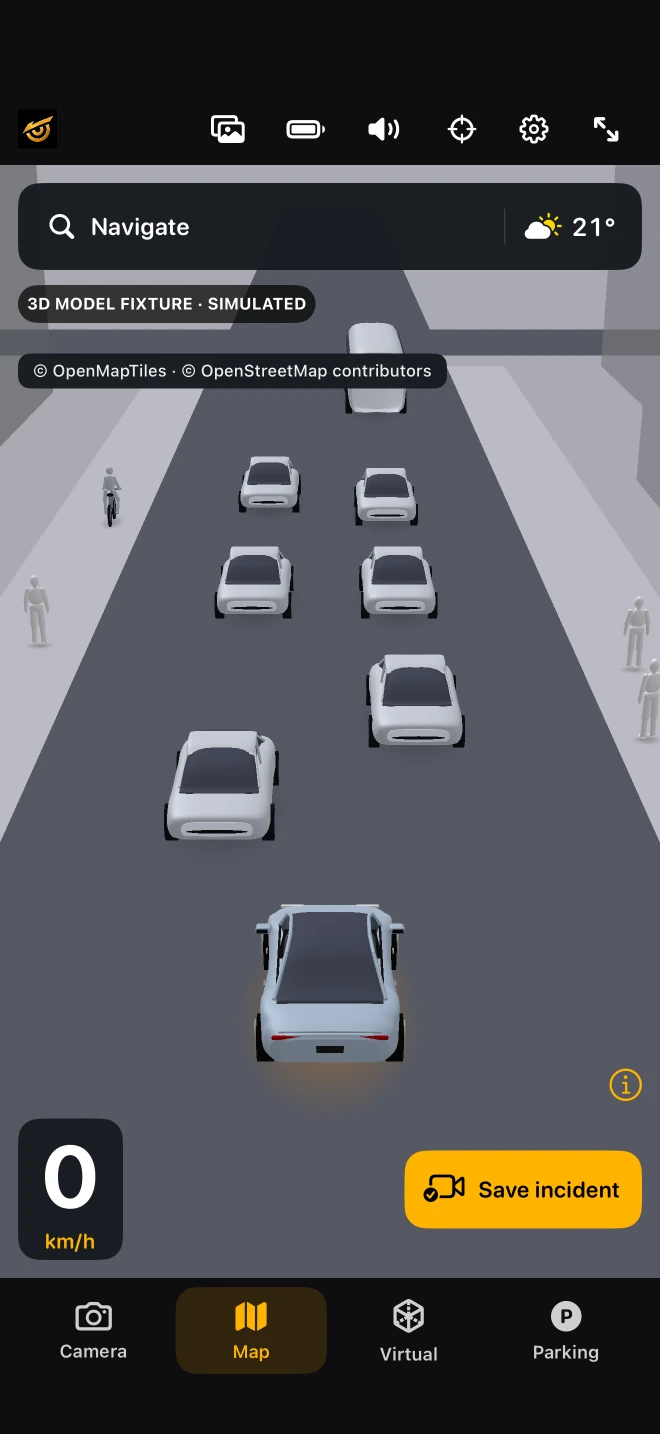
Mapped roads and buildings, approximate detected objects, destination search and weather share one driving view.
Explore this feature ↗Free & Pro
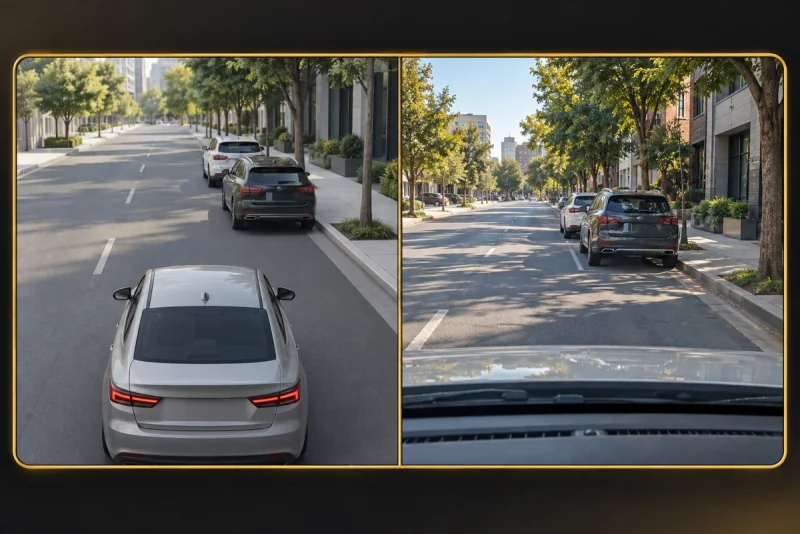
See a simplified scene beside the camera view, with proximity beeps for supported nearby detections.
Explore this feature ↗AYNI Pro
Pro adds coloured object masks and a road-surface overlay in a dedicated Perception view.
Explore this feature ↗Free & Pro
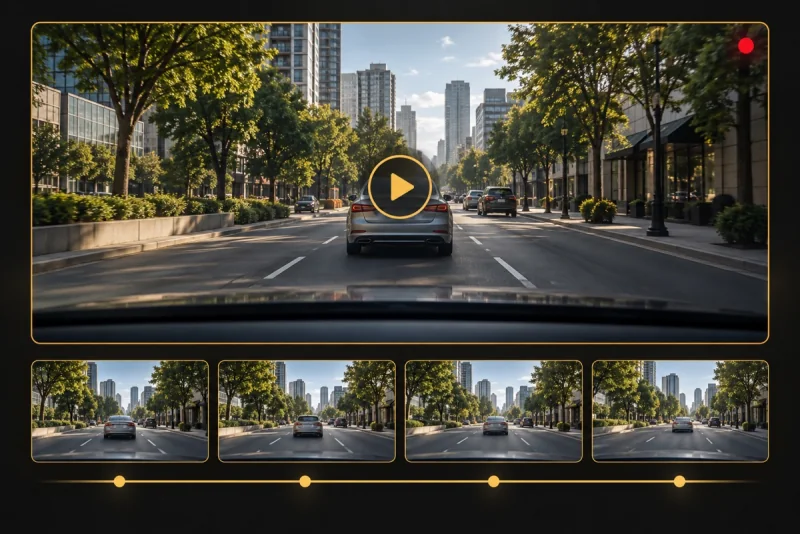
A local rolling buffer preserves available recent footage as an incident clip you can review and share.
Explore this feature ↗App captures use simulator data. The other view illustrations explain features; they are not live detection results.
| Need | Choose | What it means |
|---|---|---|
| Camera boxes | Free detector (nawnaw) | Seven supported categories; the source image remains visible. |
| Another detector | Pro detector (nawnaw pro) | Same classes and four views; no measured accuracy ranking here. |
| Object and road masks | Pro segmentation (nawnaw seg pro) | Dedicated page; road mask is not lane or building detection. |
| Streets and buildings | Maps with a detector | Map-provider geometry plus approximate camera objects; network required. |
Yes. AyniCam is free to download for iPhone with iOS 17 or later. Its Free detector supports Live Detection, Virtual View, Parking View and 3D Maps. Pro is optional and adds features such as segmentation. The app offers 50 language and regional options.
AyniCam processes supported camera detections on the iPhone. Virtual View simplifies those detections; Maps places approximate detected objects alongside mapped roads and buildings. Map geometry comes from a map provider, not a camera scan. Maps, destination search, routes and weather use online services. AyniCam does not steer or brake.
AyniCam saves recent incident footage: up to 20 seconds at 720p without audio in Free, or 30 seconds at 1080p with permitted microphone audio in Pro. Available history may be shorter after starting or an interruption. Free uses an active driving context; Pro needs an active camera. This is not continuous whole-trip recording or simultaneous road-and-cabin coverage.
Your iPhone. Your AI dashcam. Your road companion.
Download on the App StoreiPhone · iOS 17 or later · Free to download
Allow optional Google Analytics cookies to help us understand visits, page engagement and App Store clicks. You can use the website without accepting and change your choice at any time. Privacy details