Free & Pro
Virtual View
A simpler picture of nearby traffic.
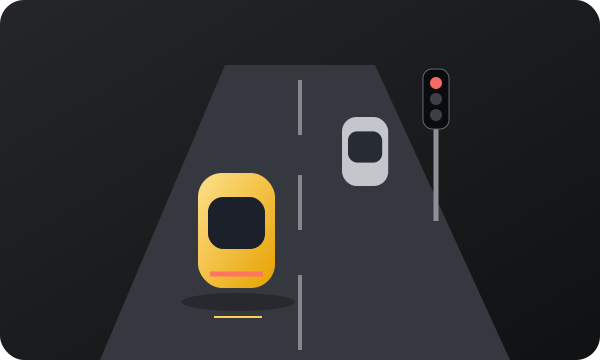
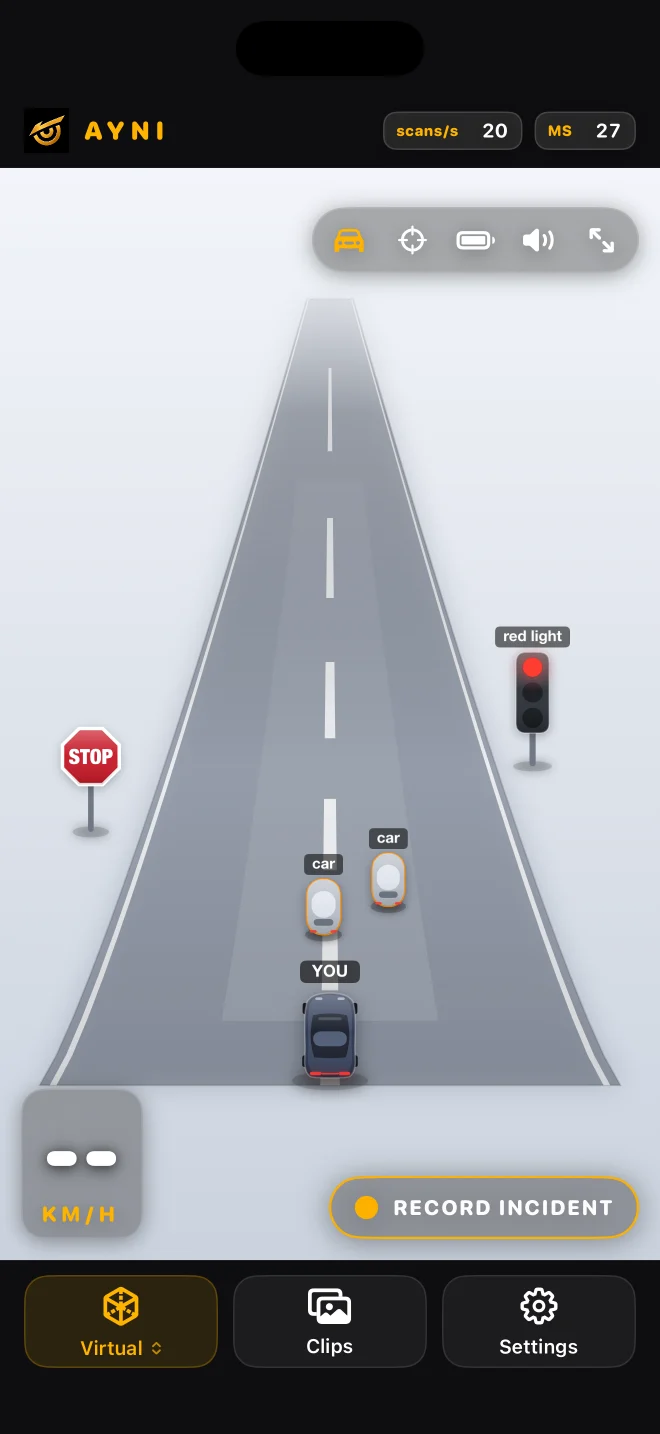
A 2.5D scene turns supported detections into readable object representations with less visual clutter.
Another way to read detections
Virtual View uses the same camera and detector results as Detection. Its simplified objects make the scene easier to scan visually; switching views does not add another camera or a second model.
Choose a detector, then Virtual
Use nawnaw or nawnaw pro, then open Virtual from the view control. You can return to Detection to see the camera image whenever you need to understand what a simplified object represents. The segmentation family uses a different page.
Approximate space
Positions, sizes and orientations are estimates from a single camera. This is a 2.5D driving display, not a surveyed 3D environment. It cannot show vehicles outside the camera’s view, and an empty scene does not prove there are no obstacles.
A useful setup check
While stopped, compare a visible supported object in Detection and Virtual. Look for agreement about its general category and side, not exact distance. If the scene appears empty, check the original camera image and selected detector. An empty visualization can mean that an object was missed.
What the display leaves out
Simplification removes textures and may omit unsupported or obscured objects. It cannot show the back of an unseen vehicle or certify a gap for a manoeuvre. For streets and buildings choose Maps; those features come from mapping data, not this camera visualization.
Read the guide ↗