AYNI Pro
Segmentation
Go beyond the bounding box.
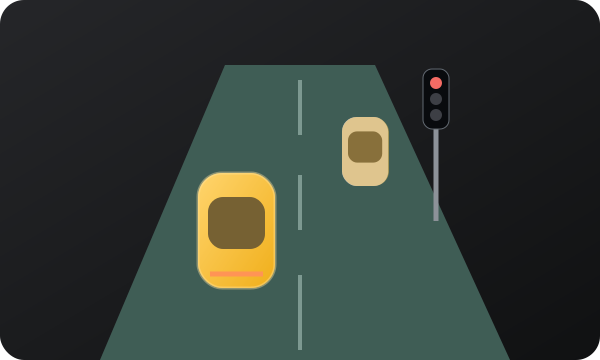
Pro adds coloured object masks and a road-surface overlay in a dedicated Perception view.
Objects and surface
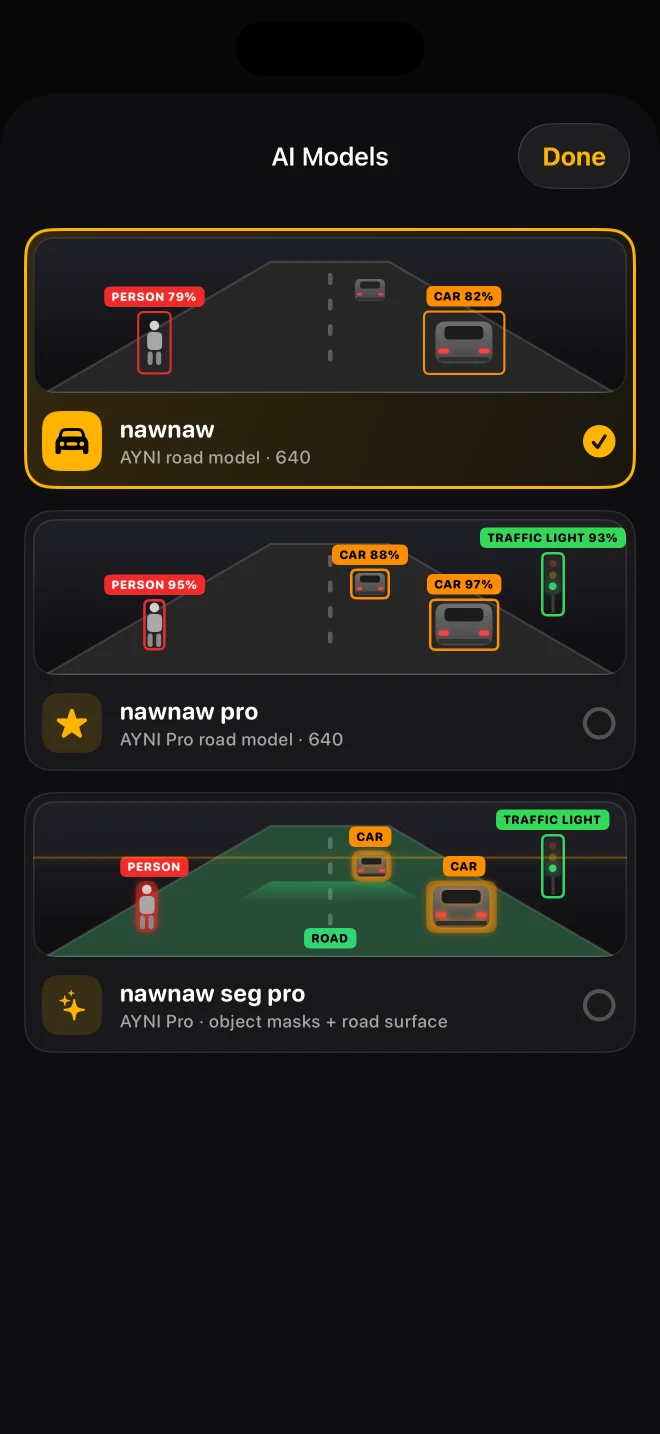
The nawnaw seg pro model produces detections for the seven road categories, individual object masks and a road-surface mask. Masks highlight the shape of supported objects instead of only enclosing them in rectangles. Compare detection boxes with masks, review which model opens each view, and consult the testing methodology before interpreting an overlay as a measured result.
A dedicated page
Select nawnaw seg pro in AI Models with an active Pro entitlement. The app opens its segmentation page; the Detection, Maps, Virtual and Parking page selector belongs to the detector family. Switch back to a detector to access those pages.
What a road mask means
A road-surface mask is not lane detection, a crosswalk detector or a guarantee that an area is safe to drive on. This model does not provide building segmentation or reliable vehicle front/rear orientation. The coloured overlay is assistance, not a navigation instruction.
Read an object mask
Compare the coloured region with the visible object underneath it. A partial or flickering outline can reflect glare, occlusion or uncertainty. It does not reveal the hidden part of an object. The road overlay is a separate output; neither output is a steering or route instruction.
Choose according to the task
Use a detector if you mainly want boxes and the four driving views. Choose segmentation when its masks are useful to you and check responsiveness while stationary. Device temperature, camera workload and recording can affect the experience. No measured speed or accuracy advantage is claimed here.
Read the guide ↗