Free & Pro
Dashcam & Clips
Save what happened before the tap.
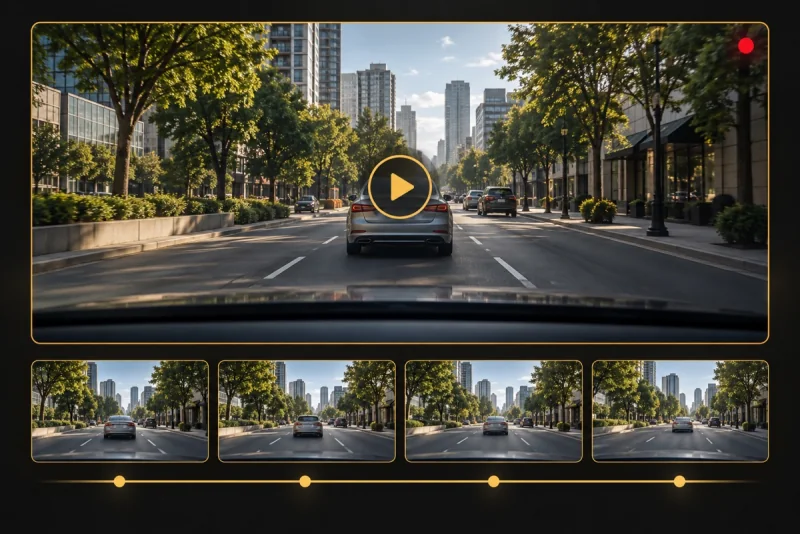
A local rolling buffer preserves available recent footage as an incident clip you can review and share.
Recording choices
Free saves up to 20 seconds at HD 720p in driving context, with an AYNI watermark and no microphone audio. Pro offers up to 30 seconds at Full HD 1080p, saves while stationary too, removes the watermark and supports microphone audio with permission. See how an incident buffer differs from loop recording, learn to save and export a clip, and compare the Free and Pro recording limits.
Save a recent incident, not a whole trip
Open the camera and allow the buffer to accumulate. When safe, use Save incident and wait for the save confirmation. Only available recent footage can be preserved: this workflow does not create a continuous archive of every minute of the drive. It cannot recover an event that happened before recording started.
Interruptions and audio
A lock, app switch, call, camera interruption or thermal event needs a separate device check; this website does not promise background capture. After an interruption, verify that recording has resumed. Free is video-only. For Pro audio, enable microphone permission and check the exported clip rather than assuming a visible map means the microphone is recording.
Storage, review and export
Once parked, open the local gallery, play the saved item and confirm its content. Export an important clip to a destination you choose before deleting it or relying on local storage. Pro removes the app’s clip-count limit, but available iPhone storage still limits recording. Local storage is not automatic cloud backup.
Read the guide ↗